
How to increase FPS in Minecraft
Last updated:
The biggest gains usually come from a shorter render distance, fewer entities and particles on screen, and running the game on the right graphics card. Here are the steps, simplest first, followed by what Fanatic Client adds.
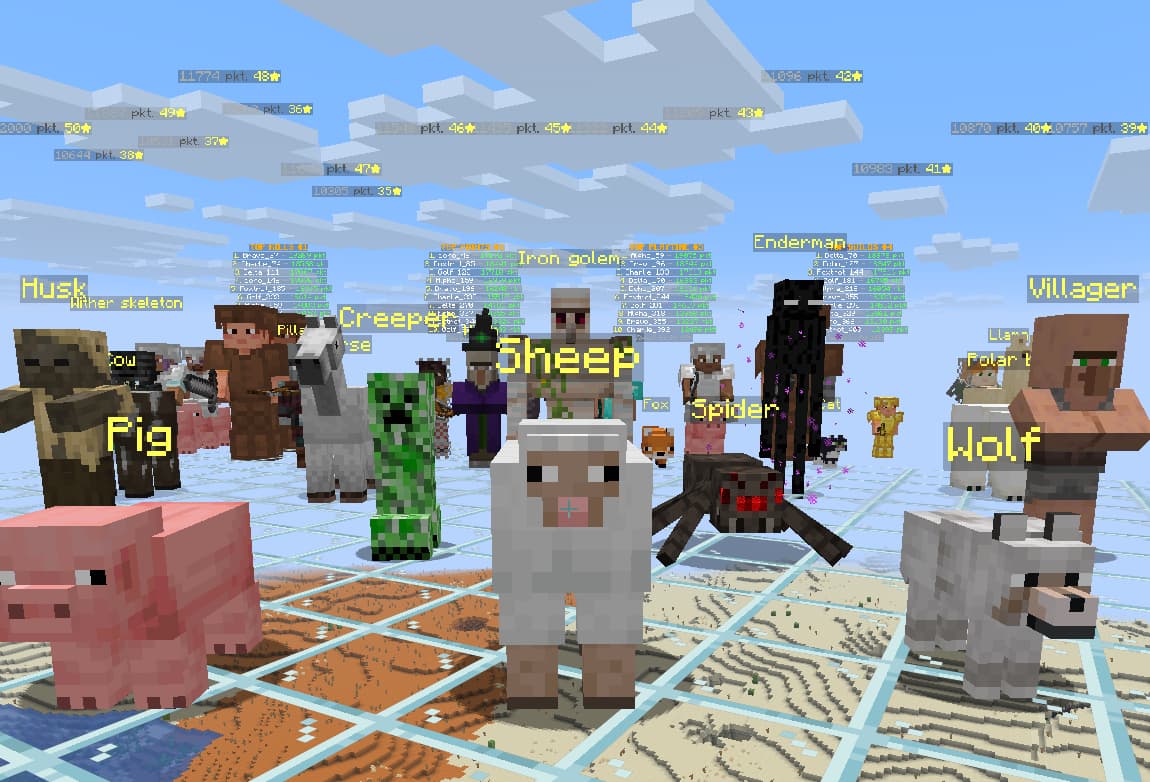
Video settings in the game
Open Options, then Video Settings. The names can differ a little between Minecraft versions.
- Render Distance: usually the setting that matters most. Start at 8–12 chunks and raise it for as long as the game stays smooth.
- Simulation Distance: a lower value takes load off the CPU in singleplayer.
- Graphics: pick a lower mode, such as Fast.
- Clouds, Entity Shadows and Particles: turn off or reduce what you don't need.
- Entity Distance: a lower value helps with big crowds of mobs and players.
- VSync: limits FPS to your monitor's refresh rate. Turn it off if you want higher FPS and don't mind screen tearing.
Windows and hardware
- On a laptop with two graphics cards, assign Java to the faster one: Windows Settings, System, Display, Graphics.
- Update your graphics driver from the manufacturer's site.
- Plug your laptop in and pick a high-performance power mode.
- Close your browser, screen recording and overlays when you don't need them.
RAM
More memory doesn't mean more FPS. Without big modpacks, 4 GB is usually enough. Too much can even hurt, because memory clean-ups can take longer and make the game stutter.
What Fanatic Client adds
- Its own rendering optimisations for the scenes where vanilla Minecraft slows down.
- Several times the FPS with crowds of mobs and players, on versions 1.21.11 and 26.3.
- Smooth frame rate with lots of name tags, holograms and signs.
- A lighter HUD, chat and player list.
- Max framerate up to 1000 FPS.
- A one-click Performance preset, on versions 1.21.11 to 26.3: Sodium, Lithium, FerriteCore, ImmediatelyFast and Entity Culling.
- The Vulkan renderer, on by default from version 26.2.
Test results
We compared the same build with Fanatic's optimisations off and on, in the scenes where vanilla Minecraft struggles the most.
| Scene | Vanilla | Fanatic |
|---|---|---|
| 1500 mobs in view, Vulkan | 105 FPS | 1,260 FPS |
| Busy server spawn, 30 players | 405 FPS | 1,896 FPS |
| 100 players in view, Vulkan | 397 FPS | 1,760 FPS |
| Player list open, 80 players | 1,090 FPS | 4,743 FPS |
| 1500 mobs in view, OpenGL | 104 FPS | 825 FPS |
| Chat open, 30 lines | 2,609 FPS | 4,807 FPS |
Measured by us with the client's built-in benchmark on Minecraft 26.3 at 1920×1080, RTX 4080, no other mods. "Vanilla" is the same build with all of Fanatic's optimisations switched off, so the game draws everything the way vanilla Minecraft does. Each result is the average of repeated runs, and each chart has its own scale. The mob and player optimisations are available on 1.21.11 and 26.3 and have been tested on NVIDIA GPUs. Your results depend on your hardware, settings and the server you play on.
Download Fanatic Client
One installer sets up the launcher. Sign in with Microsoft, pick a version and play. Java and Fabric are installed for you.
v0.7.15 · Windows 10/11 · 87 MB